Tower elevation and skyline
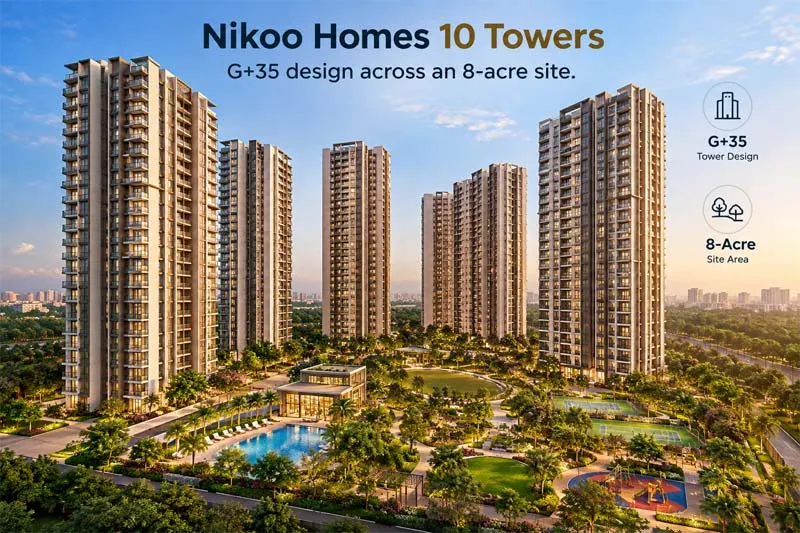
Nikoo Homes 10 towers: G+35 design across an 8-acre site
The elevation image shows the shape of the towers, the balcony pattern and the facade treatment. Notice how the two balconies per home create a rhythm along the front of the building. Count the floors, and look at how the ground level meets the landscaping.
Master plan
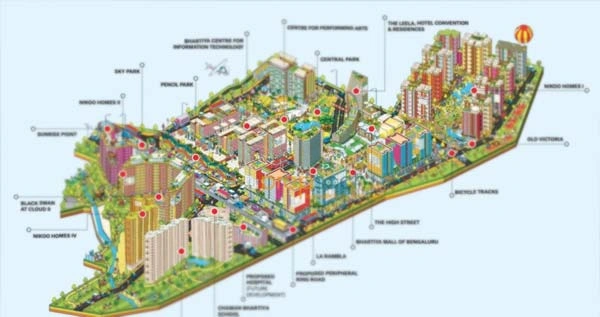
Master plan showing tower positions and open spaces.
This is the most useful picture in the set. It shows where each tower sits, where the amenities are and how roads run through the site. Use it to pick a tower that is away from the main entrance noise but close to the clubhouse or play area, depending on your priorities.
Interior views: 3 and 4 BHK
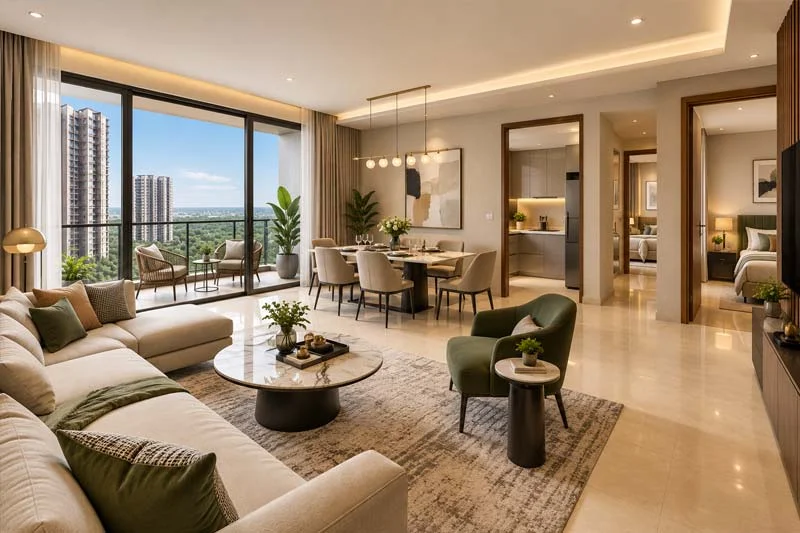
3 BHK
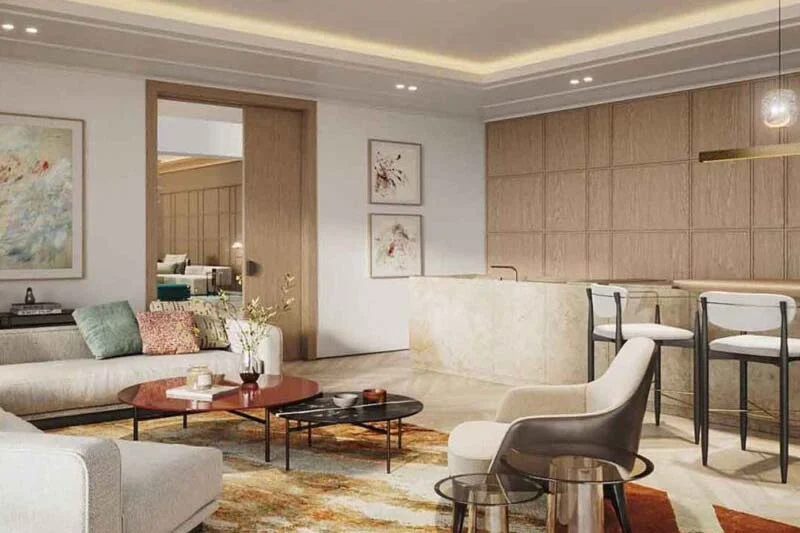
4 BHK
When you view interiors, remember that furniture and styling are not part of the purchase. Focus on the room's proportions, the size of the windows and how the bay window frames the space.
Balconies and views
Amenity visuals
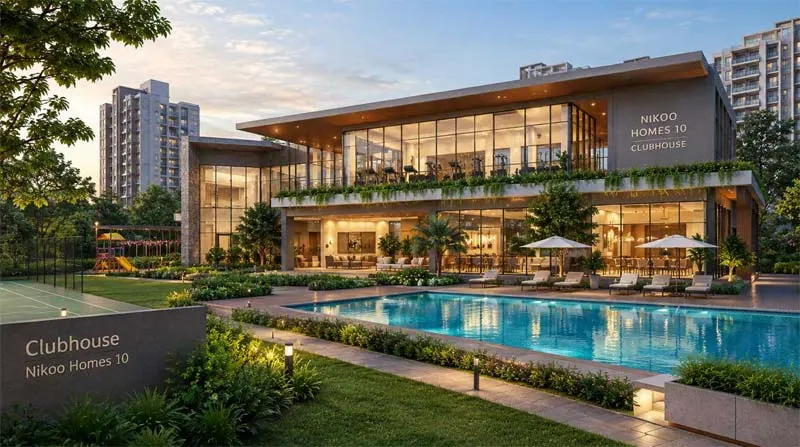
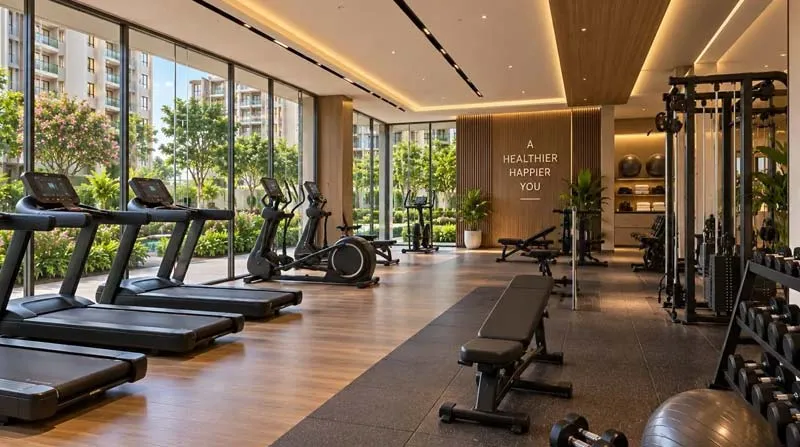
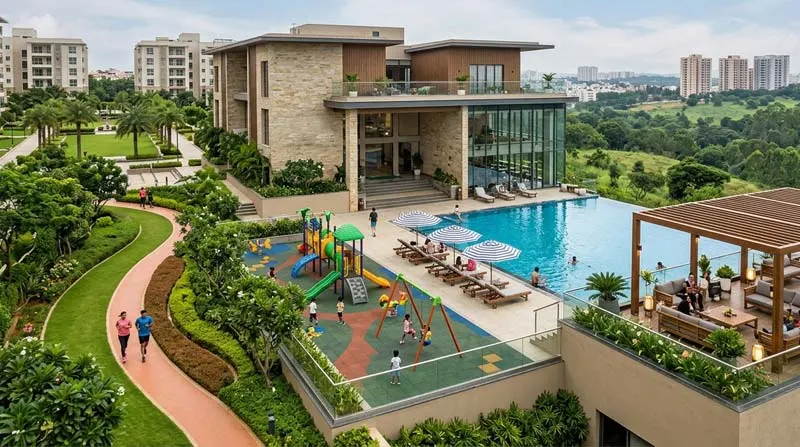
These images show the planned look of the shared spaces. Read the amenities page for how each facility is used.
How to Read a Render
-
Trees look mature. Real landscaping takes years to grow.
-
Skies are always blue. Real days vary.
-
Nearby buildings may be missing. Check the surroundings on a map.
-
Finishes are indicative. Confirm the specification list in writing.
Tips for Visiting the Site
-
Ask to see a sample flat, if one exists, and compare it with the renders.
-
Photograph the plot, the access road and neighbouring land.
-
Walk the route from the gate to your preferred tower.
-
Visit at different times of day to judge light and noise.
Image and SEO Notes for Site Owners
Use descriptive file names such as and alt text that says what is in the picture.
Keep images under about 200 KB each, use WebP,
and set width and height to avoid layout shift.
Want More Visuals?
Ask our team on
WhatsApp
for the latest walkthrough video and brochure.
Continue to the
price page
or
location page.
All images are artist impressions by the developer and are indicative only.



 Call Us